
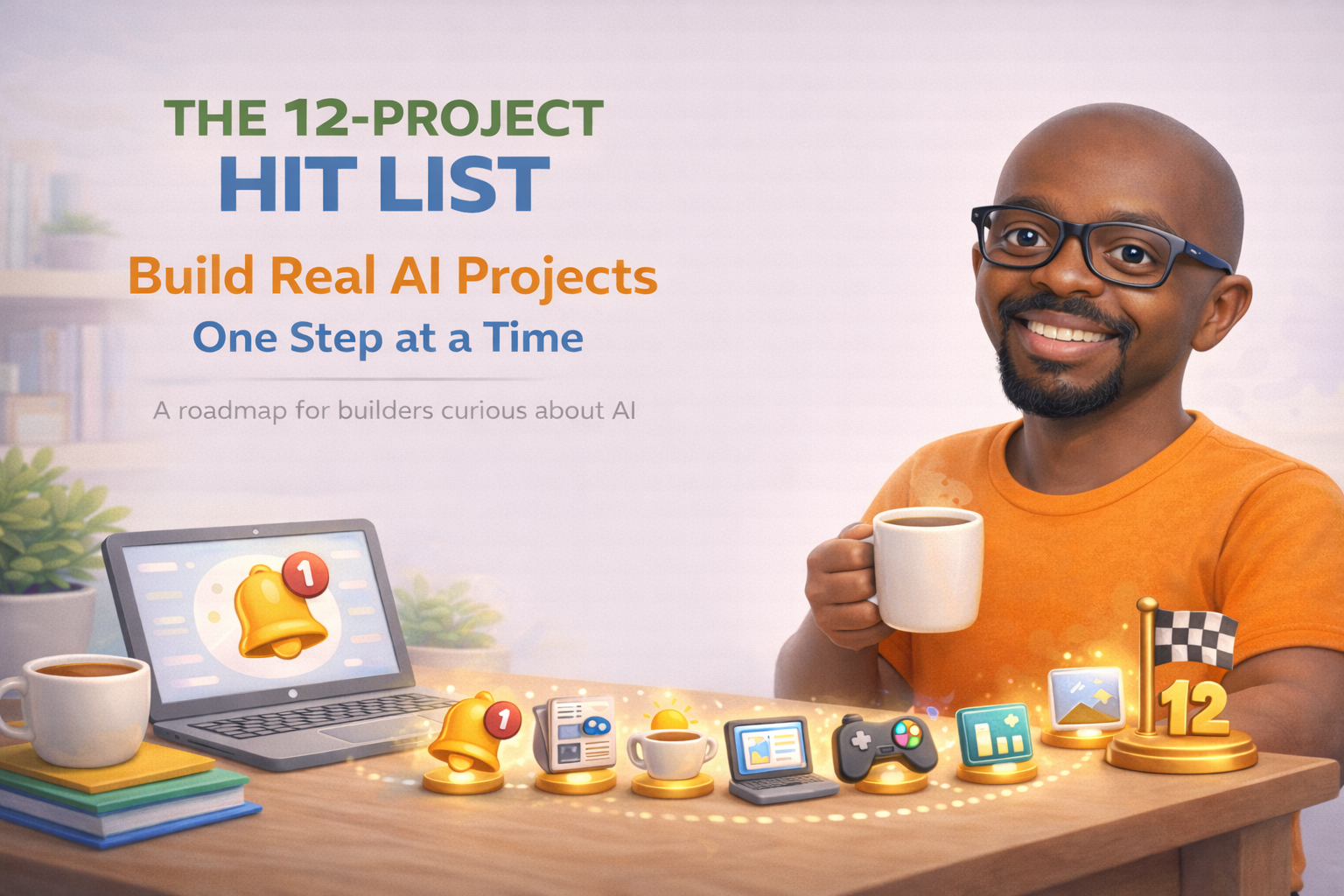
If you search “how to learn AI” you will find thousands of articles telling you to take a course, or watch a playlist. What you will not find much of is someone saying: here are twelve specific things you can build, with the tools listed, starting today. That is what this is.
I am Augustine — an IT guy who got curious about AI and decided to stop watching from the sidelines. Over the past year I have been documenting everything I learn publicly at augustwheel.com, including the projects that worked, the ones that did not, and the tools that actually deliver what they promise. The 12 projects below are the ones I would hand to anyone who asked me where to start.
What Is the 12 Project Hit List?

Before we get into the projects, it helps to understand what the 12-Project Hit List actually is. It is a FREE roadmap, not a tutorial. It tells you what to build, what tools to use, what you will learn, and what to watch out for. The detailed step by step walkthroughs for each project are published separately at augustwheel.com/projects as I build them publicly myself.
That distinction matters. This is not a course where everything is pre recorded and polished. I am working through every project and documenting each one as I go — the wins, the dead ends, and the moments where something finally clicks. You can download the full roadmap free at augustwheel.gumroad.com/l/12projects and build alongside me at your own pace.
Why Projects Beat Tutorials
Tutorials teach you how someone else solved a problem. Projects force you to solve one yourself. That difference sounds small but it changes everything about how fast you actually learn. When something breaks — and it will — you have to figure out why. That process of figuring out is where the real learning happens.
None of these projects require a computer science degree. None of them require expensive software. What they require is a few hours, a free account on one or two tools, and a willingness to build something that might not work perfectly the first time. Some tools have optional paid tiers that unlock more features, but every project in this list has a free or low cost starting point. Prices vary by country so check each tool directly for current rates.
The Four Pillars
The 12 projects are grouped across four areas of AI that are genuinely useful in everyday life and work.
Pillar 1: Automation

Automation is about building workflows that do repetitive tasks for you without writing traditional code. Tools like Make.com and n8n let you connect apps and services visually, so you can build powerful systems even as a complete beginner.
The three projects in this pillar include building a personal news and keyword alert system that monitors the web and sends you a daily digest email, a read it later system that saves articles and generates AI summaries, and a personal morning briefing bot that delivers updates straight to your Telegram. For Project 1 we used Make.com and Google Alerts since Make.com has a genuinely free forever plan, which makes it the more accessible starting point for most people.
Project 1 is already published. Read it here – Project 1: Personal News & Keyword Alert System
Pillar 2: Vibe Coding

Vibe coding is the emerging practice of building real software using AI as your co developer. You describe what you want, the AI writes the code, and you iterate from there. It will not make you a software engineer overnight but it will let you build things that actually work.
The three projects in this pillar cover building a personal portfolio or bio page, a simple browser game, and a personal dashboard that pulls together information you actually care about. Claude Code handles the building and Vercel handles the hosting. Both have free tiers that are more than enough to get started, though Claude Code does require a Claude paid plan.
Also Read:
- What Is Vibe Coding?
- My 2025 Vibe Coding Stack
- Master Vibe Coding: Your 3-Step App Development Guide
Pillar 3: Prompt Engineering

Prompt engineering is the skill of knowing how to talk to AI tools so they give you genuinely useful output. It sounds simple. It is not. Most people use AI like a search engine and wonder why the results feel shallow.
The three projects here walk you through building a personal prompt library you can reuse across tools, learning how to chain prompts together for multi step tasks, and building an image prompt formula that consistently produces strong results. All three are achievable on the free tiers of ChatGPT or Claude.
Pillar 4: Image and Video Generation

This pillar is the most visual and arguably the most immediately impressive. Leonardo.ai and Adobe Firefly both offer generous free tiers for image generation. Pika handles short video clips and CapCut ties it all together for basic editing.
The three projects cover learning image styles and sizes, placing yourself into different AI generated scenarios using a reference photo, and producing your first short AI intro video complete with voiceover. By the end of this pillar you will have a piece of content you can actually share.

How to Get Started
The full 12 Project Hit List is free to download right now at augustwheel.gumroad.com/l/12projects. All you need is an email address. Each project includes a breakdown of what you will build, what tools you will need, what you will actually learn, common issues to watch out for, and what to tackle next once you are done.
As each step by step walkthrough is published at augustwheel.com/projects, the list grows more useful. Subscribe to the newsletter to get notified when each new walkthrough drops so you can follow along as I build.
Build it. Learn it. Own it.



Leave a Reply