
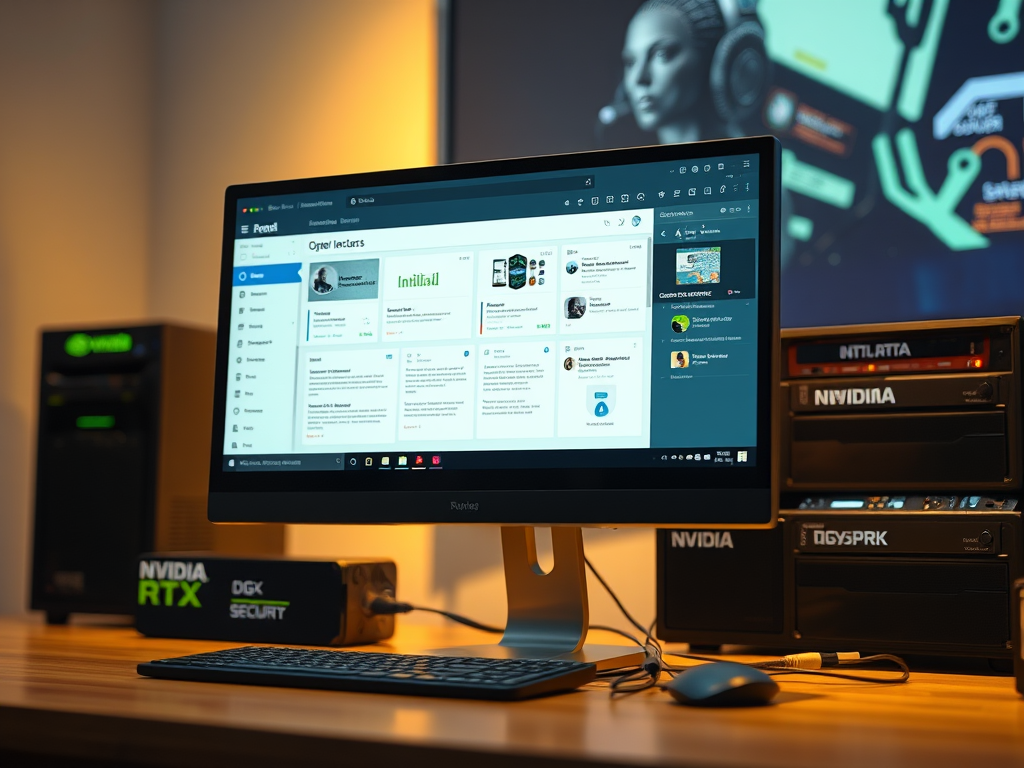
I’ve been playing with the idea of running a truly local AI agent—one that lives on my own hardware, has access to my files and calendar, and doesn’t phone home to cloud APIs with my personal data. NVIDIA just published a guide showing exactly how to do this with OpenClaw, and it’s fascinating how capable local-first agents have become.
OpenClaw is designed to run continuously on your machine, maintaining context across conversations, monitoring your files and applications, and proactively helping with tasks. The popular use cases they highlight—Personal Secretary for email and calendar management, Proactive Project Management, and Research Agent—are exactly the kinds of things I’d want an AI assistant to handle, but without the privacy trade-offs of sending everything to OpenAI or Anthropic.
The guide walks through running OpenClaw completely locally on NVIDIA RTX GPUs or the DGX Spark. RTX cards get a significant boost from Tensor Cores and CUDA accelerations for Ollama and Llama.cpp, while the DGX Spark’s 128GB of shared memory makes it ideal for larger local models and is literally built to be always-on.
What I appreciate is that they don’t gloss over the security implications. Running an agent with access to your personal files and the ability to execute code is inherently risky—potential personal info leaks, malicious code exposure. Their recommendations are sensible: run it on a separate clean PC or VM, use dedicated accounts, limit which skills it has access to, and restrict both channel access and internet connectivity.
Installation is straightforward—WSL on Windows, a curl install script, and quickstart onboarding gets you running.
Source: https://www.nvidia.com/en-us/geforce/news/open-claw-rtx-gpu-dgx-spark-guide/




Leave a Reply