
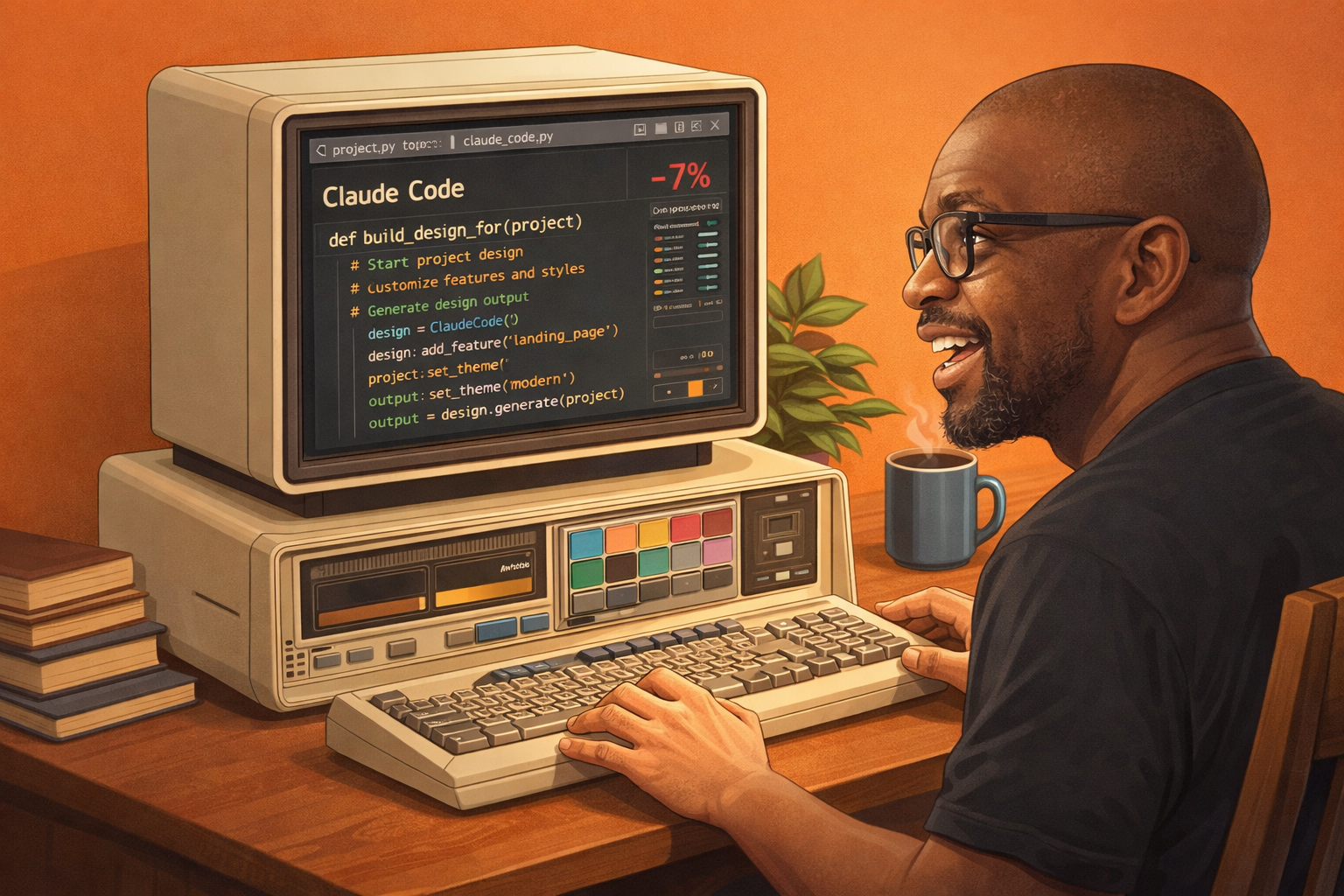
Last Friday, April 17, Anthropic launched something that knocked 7% off Figma’s stock price in a single afternoon. Not a new model. Not a funding round. A design tool called Claude Design.
I heard about it, got curious, and decided not to just write about it from the sidelines. Instead I used it to build something real for August Wheel. What followed taught me more about what Claude Design actually is than any press release could.
Here is the full honest breakdown.
What Is Claude Design?
Claude Design is not an image generator. It is closer in spirit to a visual prototyping assistant. Users describe what they want, and the tool builds a first version. From there the design can be refined through conversation, inline comments, or direct edits.
For founders, product managers, and marketers who never had a Figma workflow in the first place, Claude Design replaces the gap where they used to either hire a designer or settle for Canva templates. That is the audience Anthropic is clearly targeting. People with ideas who need something visual fast, without a design background or a design budget.
The output is live HTML, meaning what Claude Design produces is actually clickable and testable. Not a static picture of a design. A working prototype.
Who Has Access and What Does It Cost?
Claude Design is included with Claude Pro ($20/month), Max ($100 to $200/month), Team, and Enterprise plans at no extra cost. No free plan access.
The pricing structure is more forgiving than you might expect. Claude Design is priced and metered independently from the rest of Claude. It has its own usage tracking, its own allowances, and its own weekly limits that sit alongside, not inside, your existing chat or Claude Code limits. Using Claude Design does not eat into your regular Claude chat budget. The two pools are completely separate.
Yes, it runs on Opus 4.7, Anthropic’s most powerful model. But because usage is tracked separately and included in your existing paid plan, you are not paying extra for that horsepower within your weekly allowance.
What Can You Actually Build With It?

More than you might expect. One reviewer ran five live demos using Claude Design to create animated videos, pitch decks, landing pages, mobile apps, and even a full design system. The range is genuinely wide.
On the enterprise side the results have been striking. Datadog’s product team described compressing what had been a week-long cycle of briefs, mockups, and review rounds into a single conversation.
For sharing and exporting you have solid options. You can export as a PDF, a PowerPoint file, a standalone HTML file, or a ZIP folder. You can also send designs directly to Canva where they become fully editable and collaborative. You can share projects within your organization using a shareable link, with options for view-only, comment, and edit access.
How to Access It

Claude Design lives at claude.ai/design, web only. No desktop app, no terminal. Anthropic made that decision deliberately because the whole point is visual editing, which works best in a browser. If you have a qualifying plan and do not see it yet, the rollout is gradual so check back in a few days.
Once you are in, you describe what you want in the sidebar chat, Claude builds it on the canvas, and you refine from there. You can also upload reference images, sketches, or documents to kick off a project.
I Tested It. Here Is What Actually Happened.
I decided to build something real rather than just summarise what other people said about Claude Design. The project: an interactive illustrated adventure map called the 12-Project Hit List Roadmap, a visual lead magnet for augustwheel.com that walks visitors through 12 free AI projects across four terrain zones, a forest, a city, mountains, and an arctic landscape.
I wrote a detailed prompt describing the whole vision. Four distinct illustrated terrain zones, each with its own color palette and atmosphere. A winding path connecting 12 stops. An animated adventurer character that waves at the viewer. A glowing gold orb travelling along the path.
Claude Design produced a layout. The structure was there. The four zones, the stop markers, the terrain labels, the CTA at the bottom. Structurally it understood the brief completely.
But the illustrated visual richness I had in mind did not materialise. The terrain zones looked more like styled sections than immersive illustrated landscapes. The adventurer character was simplified. The overall feel was cleaner and more UI-like than the hand-drawn adventure map aesthetic I was going for.
This is not a criticism of Claude Design. It is just an accurate description of what it is. Claude Design is exceptional at structure, layout, and interactive prototyping. It is not an image generation platform. If your vision depends on rich illustrated art, that creative layer needs to come from somewhere else, whether that is Midjourney, ChatGPT image generation, or a human illustrator.
So I did what Anthropic actually designed the tool to do. I handed the output to Claude Code.
Claude Code took the Claude Design export, built out the full interactive page properly, pushed it to GitHub, and deployed it to Vercel. The result is live right now at 12projects-krya.vercel.app. Four terrain zones, 12 animated stops, a working Gumroad CTA at the bottom. Built in a single session.
That pipeline, from idea to Claude Design to Claude Code to live deployed URL, is exactly what Anthropic said this tool enables. I can confirm it works. The gap is just that Claude Design is the blueprint stage, not the finished art stage.
The One Thing That Will Make or Break Your Results
The biggest complaint from early users is that outputs look generic when prompts are vague. The single biggest complaint so far is that every output looks the same: teal gradients, serif font, blinking status dot, container-on-container layouts. The reason is that Claude Design leans on its built-in default presets when given a loose prompt.
The fix is being specific and setting up a design system before you start. It takes 15 to 20 minutes for a large codebase, and it is the difference between coherent output and the generic AI-generated look everyone is already tired of. Upload your brand assets, fonts, and color palette before your first prompt.
A workflow that is already gaining traction in the community: use Claude Sonnet first to sharpen and refine your brief, then bring that polished prompt into Claude Design. You arrive with a specific direction instead of a vague idea, which directly solves the generic output problem and saves your weekly Design allowance from being burned on iterations.
Is It the Figma Killer Everyone Is Calling It?
Not quite, and my experience confirms this. Claude Design is not a perfect tool. It is early and it will have gaps. But it gives non-designers permission to stop doing the busywork and focus on solving problems and creating experiences.
What makes it genuinely interesting is the handoff. When a design is ready to build, Claude packages everything into a bundle that can be passed to Claude Code with a single instruction, creating a closed loop from exploration to prototype to production code, all within Anthropic’s ecosystem. I experienced that loop firsthand and it works.
For non-designers who have never touched Figma, Claude Design is the most accessible entry point into visual creation that has existed. The ceiling is real but so is the floor. You can go from nothing to a live deployed page in a single session. That was not possible six months ago without hiring someone.
FAQ
Is Claude Design free to use?
No. Claude Design requires a paid Claude subscription. It is available to Pro ($20/month), Max, Team, and Enterprise subscribers. Free plan users do not have access. It is included in existing paid plans at no additional cost, with its own separate weekly usage allowance that does not affect your regular Claude chat limit.
Can I use Claude Design to make a website or slide deck?
Yes. Claude Design can produce interactive website prototypes, pitch decks exportable as PowerPoint files, marketing one-pagers, mobile app mockups, and more. The output is live HTML so prototypes are clickable and testable. Finished work can be exported to Canva, PDF, PPTX, or standalone HTML, or handed directly to Claude Code for a full production build.
How is Claude Design different from Midjourney or DALL-E?
They are solving completely different problems. Midjourney and DALL-E generate static images from text prompts. Claude Design generates interactive visual prototypes, wireframes, presentations, and marketing assets. If your vision requires rich illustrated artwork, you still need a dedicated image generation tool. Claude Design is the structure and layout layer, not the art layer.
What is the best way to get good results from Claude Design?
Set up a design system first by uploading your brand assets, fonts, and color palette. Then be as specific as possible in your prompts. A smart approach is to use Claude Sonnet to refine your brief before bringing it into Claude Design. Vague prompts produce generic output. Specific prompts, combined with a design system, produce work that actually looks like yours. And if the vision is ambitious, plan to hand the output to Claude Code for the finishing work.
Join The Wheels of Ai and Automation
A monthly drop of curated news, practical prompts, and how‑to guides—plus first dibs on workshops.



Leave a Reply