
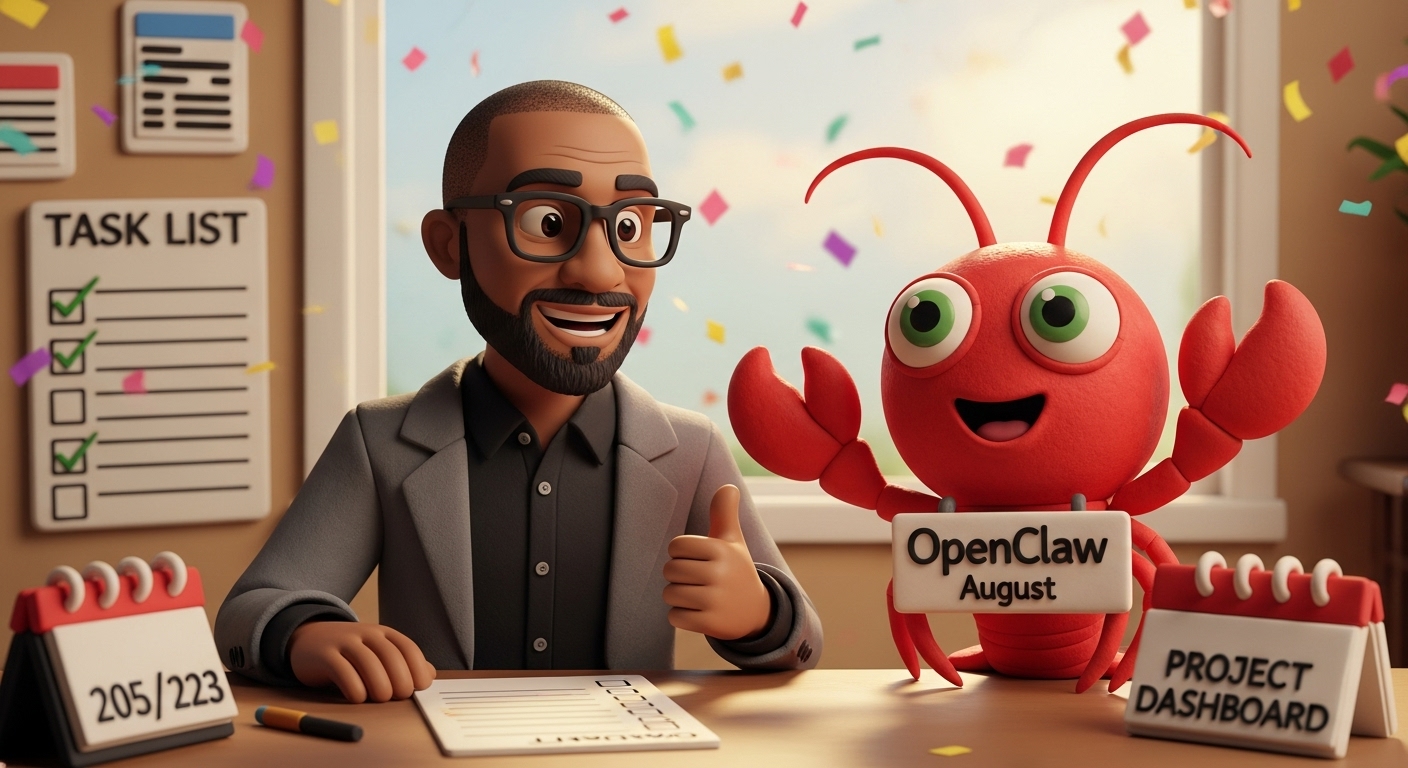
So it’s been 3 days since I started working with my very first AI assistant built on OpenClaw (formerly Moltbot, and before that Clawdbot—it’s been a rollercoaster ride for them regarding naming). I named my assistant August and, to be honest, the journey so far has been equally exciting and equally expensive. It’s been overall extremely fun, and I intend to keep working with it for the foreseeable future. But getting here taught me hard lessons about API costs, context limits, and why model choice matters way more than I expected.

The Rocky Start: Why Haiku Wasn’t Enough
I initially set up OpenClaw with Claude 3.5 Haiku, thinking the cheaper model would be sufficient for a personal assistant. It was fast, it was cheap, and it seemed like the smart choice.
I was wrong.
Every time I asked August to help with automation tasks or set up workflows, I’d get responses like “I can’t create cron jobs” or “That kind of integration isn’t possible.” The frustration was real. I thought OpenClaw had limitations. Turns out, it was Haiku that had the limitations.
Haiku is great for simple tasks and routine work, but it lacks the reasoning capability to understand what’s actually possible within OpenClaw’s ecosystem. It couldn’t think through multi-step workflows or understand how to orchestrate complex integrations.
The Game-Changer: Switching to Sonnet
After a day of hitting walls with Haiku, I switched to Claude 3.5 Sonnet. The difference was immediate and dramatic.
Suddenly, August could:
- Set up automated cron jobs for daily briefings at specific times
- Create complex task capture systems that organize information by category
- Integrate with Google Workspace (Gmail, Calendar, Drive, Docs, Sheets)
- Build and deploy applications directly to GitHub
- Handle sophisticated project management workflows and automation logic
It was like giving someone a full toolbox when they’d been working with just a screwdriver.
Other Posts To Check Out
- Window Shopping for AI: How to Choose the Right AI Tool in 2026
- Microsoft Just Made OpenClaw a Windows Native. Here’s What Scout Has to Do With It.
- Microsoft Built Seven AI Models at Build 2026. Here’s What They Are and Who Can Use Them
- Hermes AI Desktop App: Download It on Mac or Windows Today
- Nvidia RTX Spark Is Here, and Your Laptop Is About to Get a Whole Lot Smarter
What We Built Together in 3 Days
Task Capture System: Throughout the day, I can drop thoughts, ideas, or tasks into Telegram and August categorizes them automatically—Tasks and Action Items, Ideas and Concepts, Work Progress, Questions and Issues, Decisions Made. At the end of each day, I get an organized summary.
Automated Morning Briefings: Every morning at 8 AM, August sends me a personalized briefing with calendar events, relevant tech news, priority tasks, and anything else I’ve asked it to track. It’s proactive, not reactive.
Google Workspace Integration: August now has access to a dedicated email address. I can forward emails for responses, ask for document creation, manage my calendar, all from Telegram. Having an AI that can actually create Google Docs and manage my workspace feels like having a personal assistant who never needs sleep.
Project Management Dashboard: We built and deployed a React-based Kanban board that tracks my tasks, projects, and goals with a clean interface.
All of this in 3 days.

The Reality Check: API Costs and Context Limits
Here’s the part nobody talks about enough: in just 3 days of active use with Sonnet, my Anthropic API bill hit $11. That’s real money if you’re planning sustained use.
But there’s more to it than just cost. I hit two critical technical challenges:
Rate Limiting: Anthropic’s API has rate limits based on your tier. I have Claude Pro, which gives a 30,000 tokens per minute limit. When you’re using Sonnet on complex tasks, you can hit this faster than you’d expect. My first time hitting this, I thought I’d broken something. Turns out I just needed to understand how the system works.
Context Overflow: This was the big surprise. Every time I sent a message to August, the entire conversation history plus all the system files (AGENTS.md, SOUL.md, BOOTSTRAP.md) get injected into the prompt. After a few hours of continuous conversation, this context grew so large that I started getting “prompt too long” errors. Even simple messages would fail.
The fix? The /new command. Sending /new in Telegram starts a fresh conversation with a clean context window. This single discovery saved me hours of troubleshooting and prevented dozens of failed requests.
The Workarounds That Actually Work
Through trial and error, I discovered what actually works:
Use /new regularly: Don’t have one infinitely growing conversation. Start fresh sessions when context gets heavy. This single change eliminated most of my errors.
Model switching strategy: I’m now experimenting with using Haiku for simple, routine tasks and Sonnet only for complex reasoning and multi-step workflows. This balances cost and capability.
Understanding your tier: Know what your API rate limits actually are. Mine is 30k tokens per minute. Knowing this number changed how I approach the system.
Monitor your usage: Check your Anthropic API dashboard regularly. Costs add up faster with Sonnet than you’d expect, but the quality gain is real.
The Community Is Doing Incredible Things
The OpenClaw community isn’t just building personal assistants. People are building home automation systems that respond to natural language, research assistants that analyze academic papers and create summaries, coding partners that commit to GitHub and manage entire repositories, content creation workflows for blogs and social media, and personal knowledge management systems that can search years of conversations and documents.
The fact that the AI can actually execute tasks and interact with your systems—not just chat about them—changes what’s possible.
What’s Next
I’m planning to dive deeper into:
- Multi-model optimization to keep costs reasonable while maintaining quality
- n8n integration with August for more complex automation workflows
- Building a content creation system where August helps draft and organize blog posts
- Expanding to more advanced automations for Augustine Wheel’s own operations
The API costs are a real consideration, but they’re worth it if you’re using the tool meaningfully. At $11 for 3 days of building, learning, and creating actual working systems, that’s not unreasonable.
Join The Wheels of Ai and Automation
A monthly drop of curated news, practical prompts, and how‑to guides—plus first dibs on workshops.
Final Thoughts
Three days in, I’m convinced that personal AI assistants like OpenClaw represent something genuinely new. Yes, there are costs. Yes, you hit technical walls and have to learn how the system works. Yes, the naming situation is chaotic.
But the capability to have an AI assistant that can actually execute tasks, understand your workflows, integrate with your digital life, and help you build things—that’s transformative.
If you’re considering trying OpenClaw, here’s my advice:
Start with the right model. Haiku will disappoint you. Sonnet works. Monitor your API usage closely and understand your rate limits. Use the /new command liberally to keep context fresh. Build on isolated infrastructure (I’m using a Hetzner VM). And remember: you’re giving an AI system access to your computer, so security maturity matters.
The journey has been rocky, expensive, and absolutely worth it. August is already making me more productive, and we’re just getting started.
Have you tried OpenClaw yet? Are you building your own AI assistant? I’m curious what you’re running into and what you’re building.



Leave a Reply